
Short reads.
Clearer days.
How to capture the right details, check the photos and leave the next person a better start.
 FIELD NOTES / 08
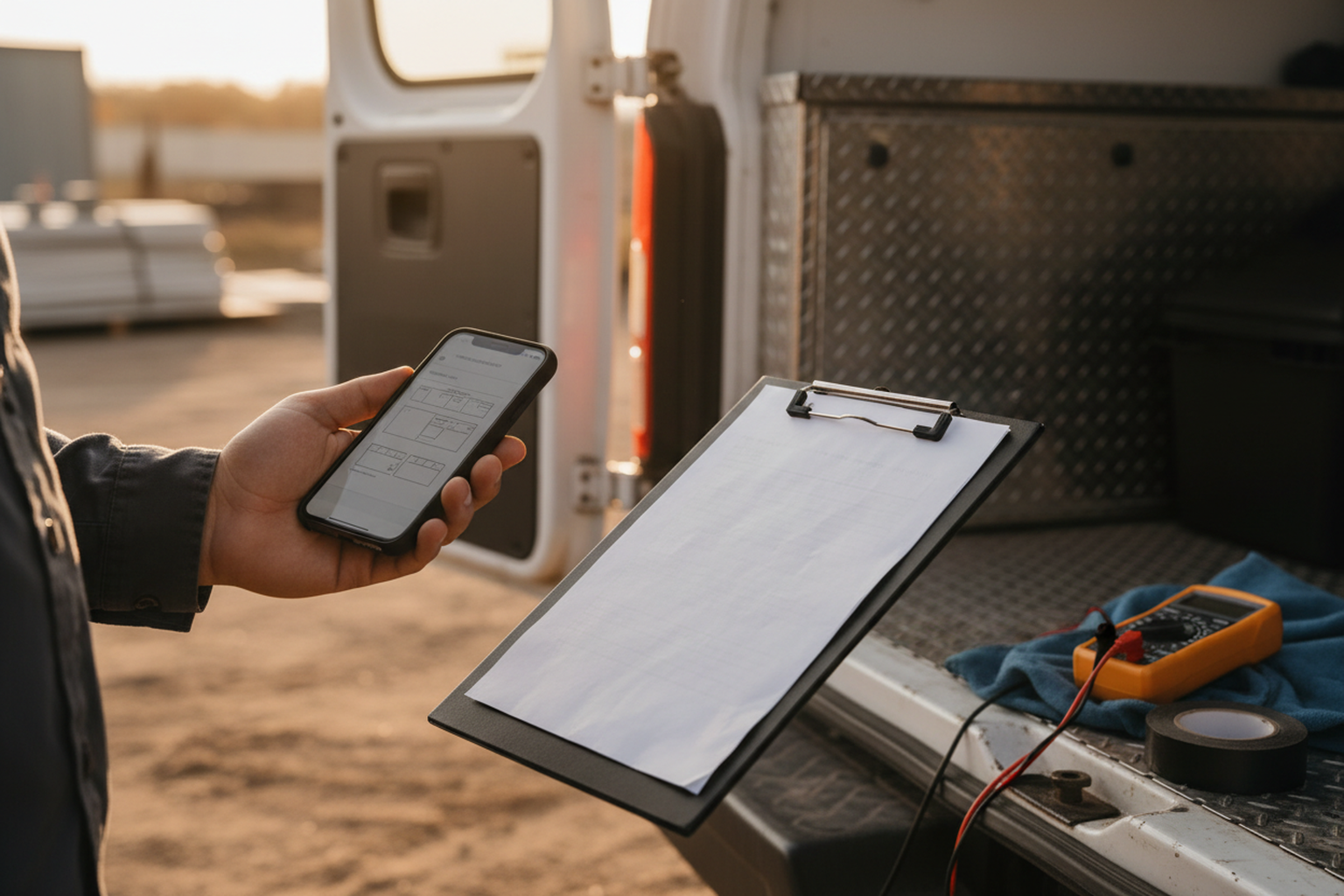
How to choose field-report software
Eleven questions to ask any field-report or job-documentation app before you put it on a truck: your form, your numbers, your bad days and who signs.
Read the note →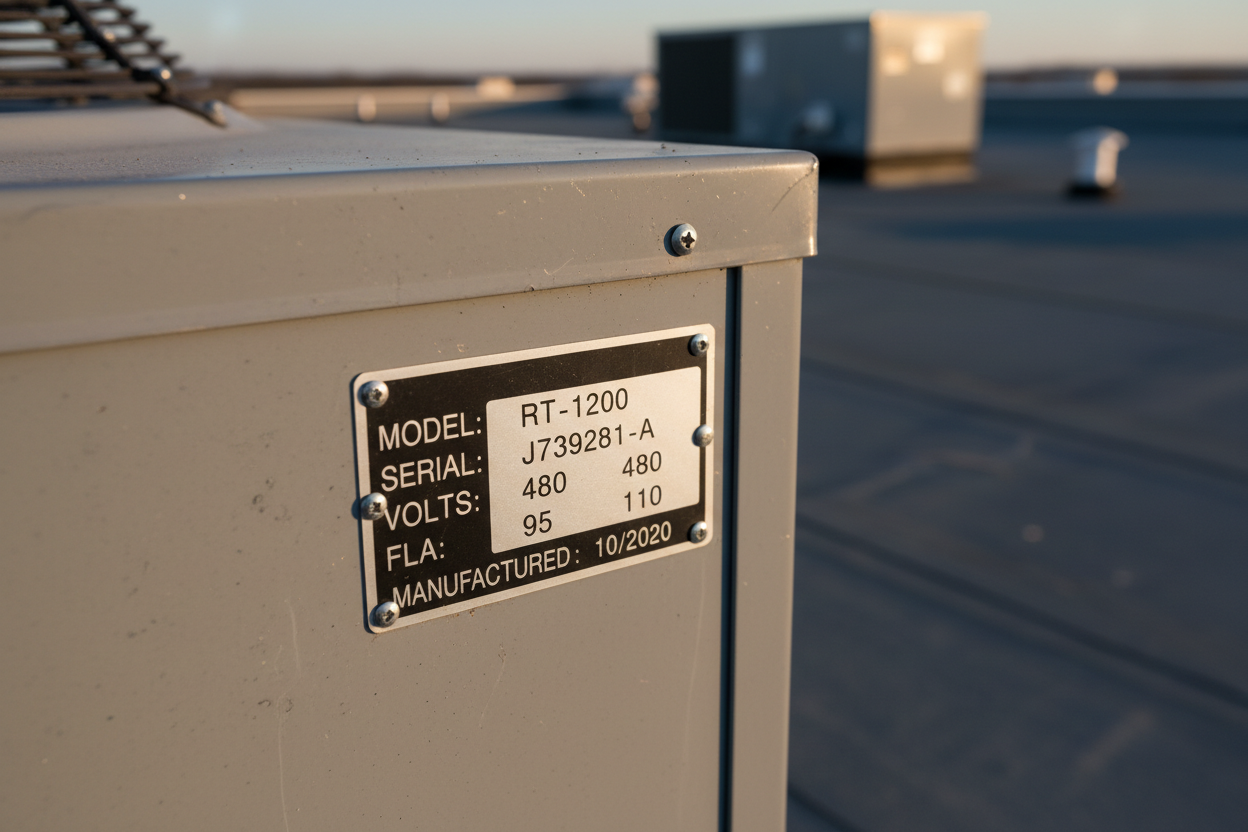 FIELD NOTES / 07
What is a field service report?
A plain definition of the field service report, what belongs on one, and how it differs from a photo log or a job-site copilot.
Read the note →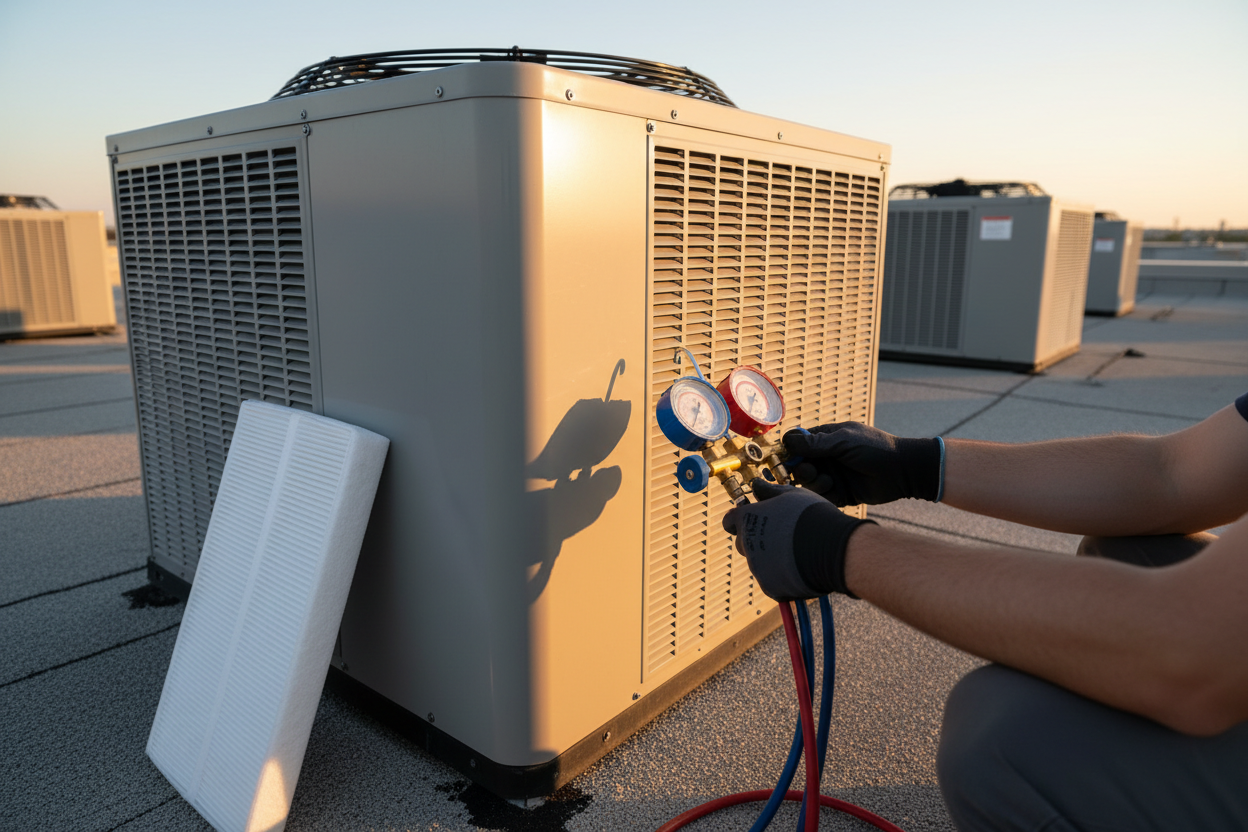 FIELD NOTES / 04
HVAC preventive maintenance checklist: what to record on every PM.
The unit ID, readings, photos and sign-off that belong on every rooftop and split PM, with a worked example.
Read the note →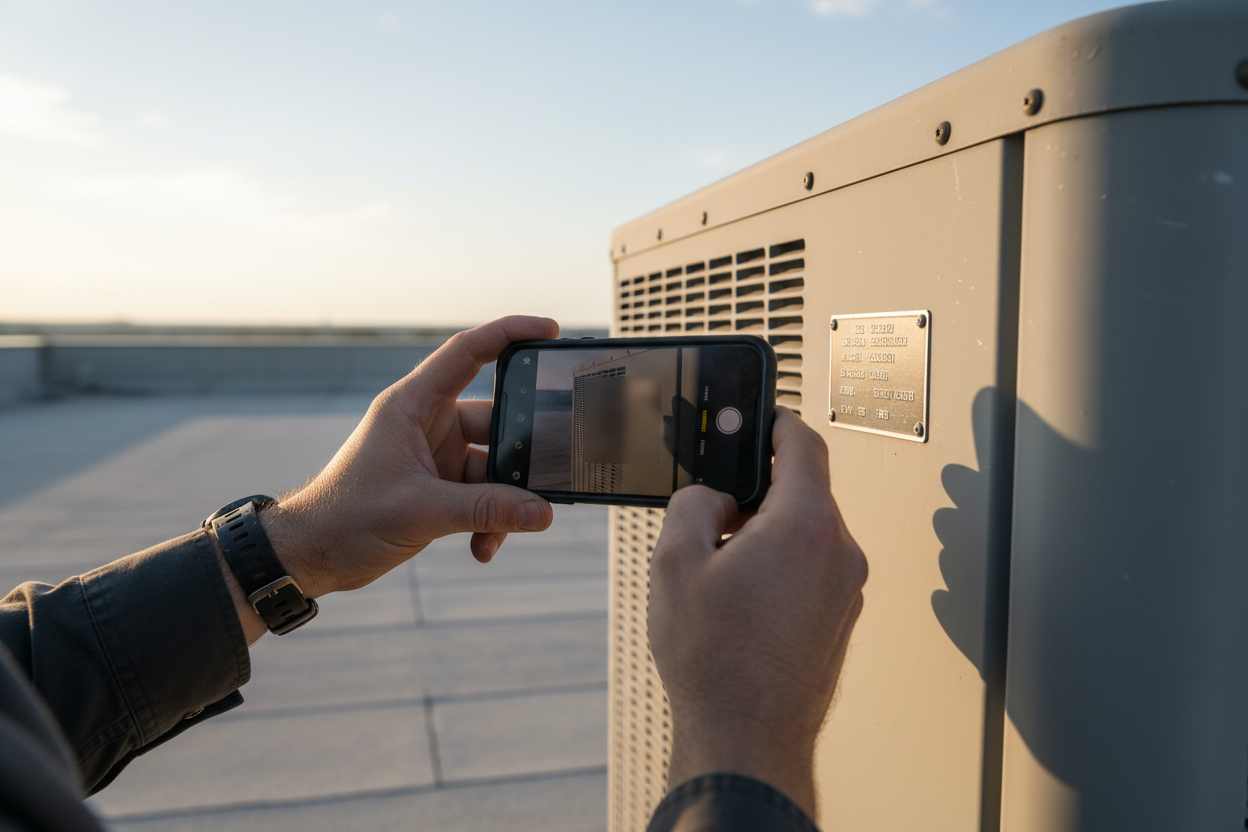 FIELD NOTES / 05
Five report photos: nameplate, before and after, wide and close.
How to shoot a nameplate the office can read, pair before and after, and caption every photo in one line.
Read the note →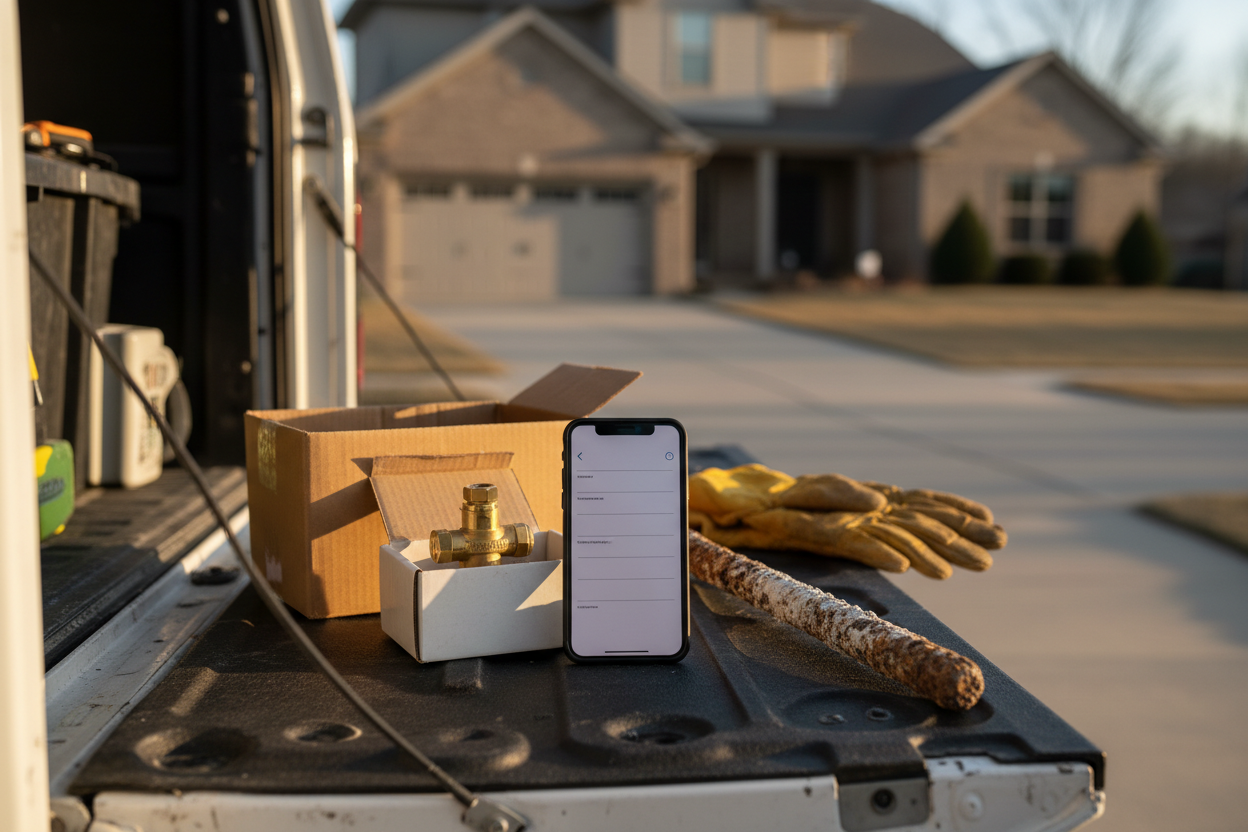 FIELD NOTES / 06
Service call report template: the six lines every ticket needs.
A six-line service ticket that holds up a month later, and the call, dispute or lost part each line prevents.
Read the note → FIELD NOTES / 01
Write a service report the next person can use.
Five parts that turn a visit into a handoff. Nameplate to next step, no novel required.
Read the note → FIELD NOTES / 02
Record a useful walkthrough, not your whole day.
A short recording routine that keeps the unit, the reading and the open item together.
Read the note → FIELD NOTES / 03
Test AI on the report you already use.
How to try any AI reporting tool on your own form, your own crew and your own callbacks before you commit.
Read the note →Start with the job. Keep the photos. Make the next step clear.
Bring one form.
We'll take it from there.
20 minutes with Lucas and the setup team. We build your form into the app with you. Your crew tries it on real jobs for 14 days.
Book a 20-minute setup callFREE CALL. 14-DAY TRIAL. NO CARD.