A report photo answers one question. Which unit. What the plate says. What you found. What you pulled. What it looks like now. Shoot for those five answers and the office stops calling the truck.
The five photos every unit needs.
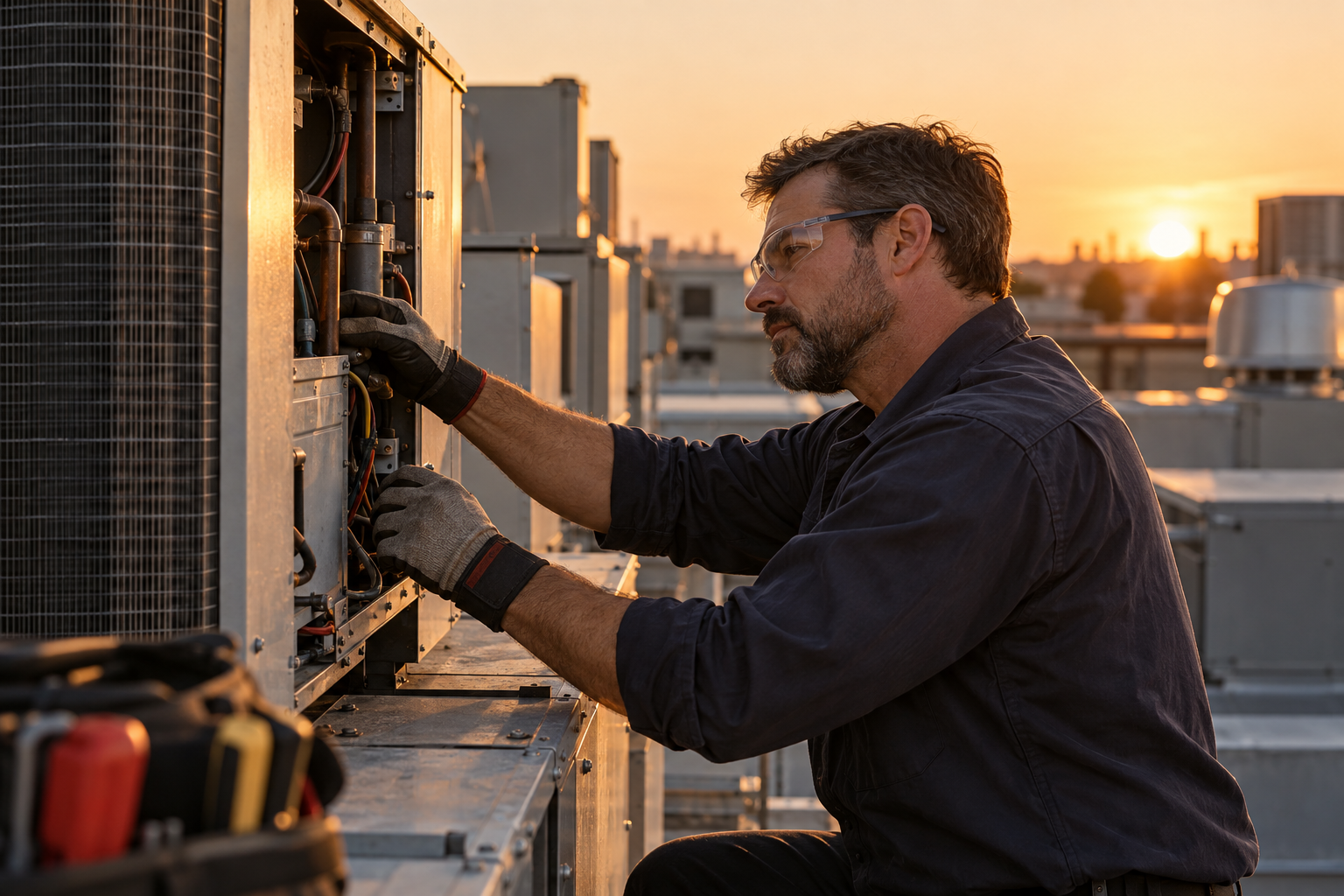
Wide shot first. Stand back far enough that the unit and something fixed share the frame: the hatch, the stair, the next unit over. That photo places RTU-04 on the west roof for someone who has never been up there.
Then four more, close.
- Wide shot that places the unit.
- Nameplate, readable.
- The finding, close: the cracked belt, the weeping valve, the open seam.
- The part before you pull it, still in place.
- The same spot after the work.
Five is the floor, not the ceiling. Three findings, three finding shots. Forty frames of one coil is shooting for yourself.
Shoot the nameplate so the office can read it.
Square on, not from the ladder at an angle. Wipe the plate with a rag first. A stamped plate under grime reads as a grey square. Fill the frame with the plate. Tap it on the screen to focus; if it will not focus that close, back off a hand's width.
Flash off in daylight; on a shiny plate it drops a white blob over the serial. Sky in the plate? Tilt a few degrees until the glare slides off. Direct sun? Shade the plate with your free hand.
In a dark crawlspace, light the plate from the side with your headlamp. Side light makes stamped letters stand up; flash straight on flattens them.
Check the photo before you climb down. If you cannot read the serial on the screen, nobody in the office can either.
Ten-4 drafts model, serial and ratings from that photo into the equipment fields. A person checks them against the plate before signing. A readable plate makes that a glance.
Before and after, from the same spot.
Shoot the before from a spot you can get back to: left of the drain, two steps back from the curb. When the work is done, stand there and shoot again.
Same distance, same angle, same light. A reader should flick between the two and see one change: the valve, the seam, the belt. An after photo from the other side of the unit shows nothing.
Clear the frame before the after shot. Your tools are fine. The old part lying in the drip pan is not; it reads as left behind. Need the pulled part for a warranty claim? Shoot it on its own.
Caption in one line.
Say where and what. “North unit, nameplate.” “LP-1, directory card.” “Heater, T&P, before.” A filename like IMG_4471 tells the office nothing and ties the photo to no unit.
Use the tag the office uses, not the one you made up on the roof. If you are recording, say the caption out loud as you shoot. If you are not, type it before you leave the unit.
What not to shoot.
A report photo shows the work. Leave out:
- Customers, tenants, or anyone's face. Wait for them to step out of frame.
- Other people's property past the job: the neighbor's roof, the suite next door.
- Screens, desks and paperwork with personal data. A thermostat is fine. A tenant's laptop is not.
- Alarm keypads, safes and key boxes. The customer's security is not your finding.
Follow the site's camera rules. Some plants and hospitals ban phones in certain rooms. Ask first, and if you could not shoot, say so in the report.
Where the photos go.
In a Ten-4 draft, each photo sits next to the finding it supports, not in a pile at the end. “T&P weeping” and the stain under the valve share a row. The PDF to the office carries the same photos with their captions.
Photos and audio stay in your company's workspace for as long as your plan says. Ask the office how long before you promise a customer a photo from three years back.
Two samples on this site. On the rooftop PM, the nameplate photo fills the equipment row: RTU-04, model RT-1200, S/N J739281-A, confirmed by the lead. On the water heater call, the one photo shows the T&P, the crust on it and the stain under it. Caption: the find, before the swap. That sample stops there. Yours carries the after shot too: new valve, dry, same spot.
Start with the report you already use.
See how a recorded visit becomes a draft. Then bring your report to our team.
See the exampleBook a 20-minute setup call